Start your free TeamOrgChart trial
Discover how easy it is to transform your employee data into dynamic org charts.
Find people, navigate reporting lines and customize your chart — all in your browser.
 Start trial now
Free for 30 days with all features included.
No credit card required. Just sign in with your Microsoft work account.
-
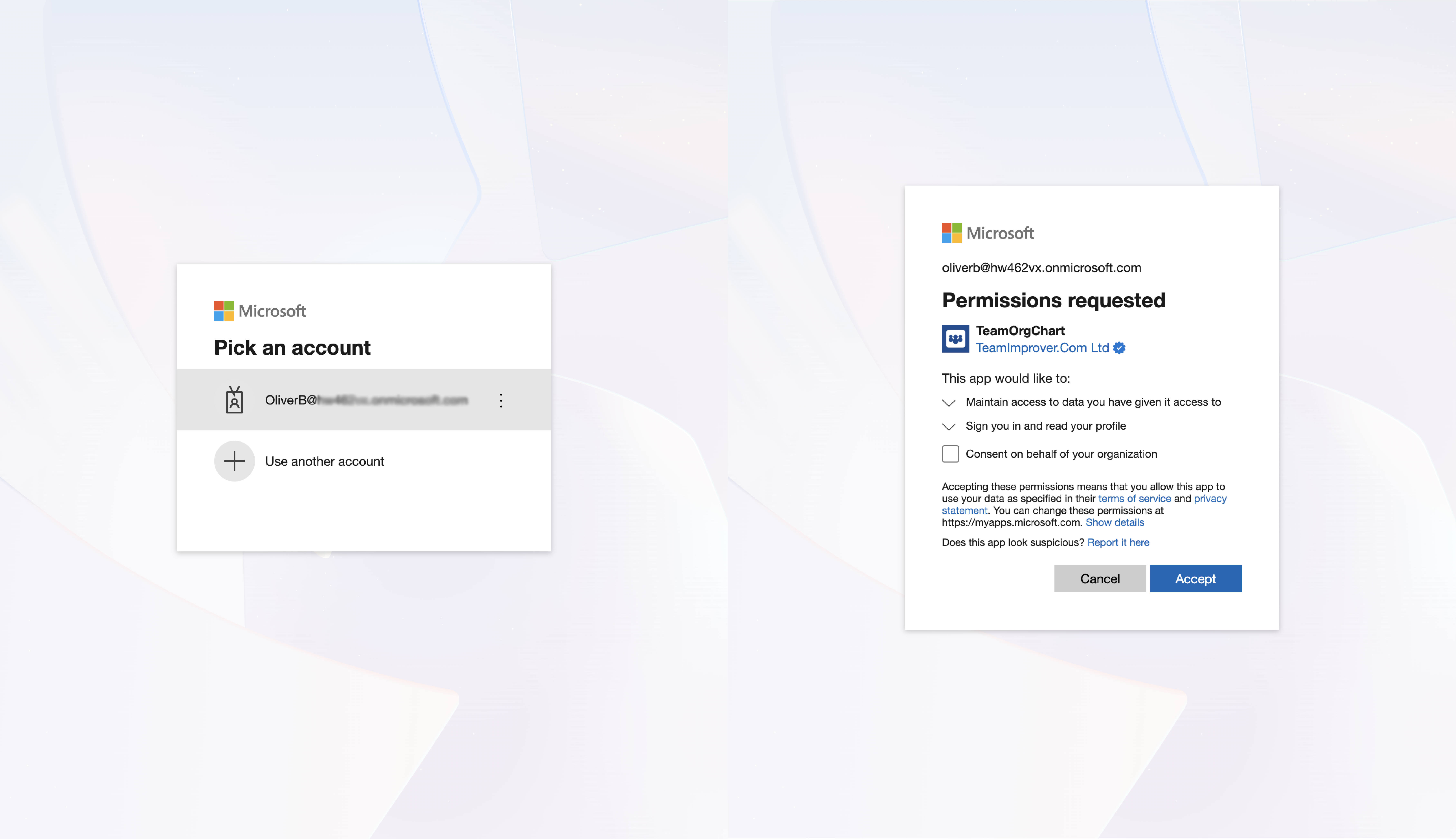
1. Sign in with Microsoft
Use your Microsoft work account to sign in, accept the required permissions, and your free trial will begin automatically.
Check your inbox during your trial for helpful tips on getting the most from TeamOrgChart.
-
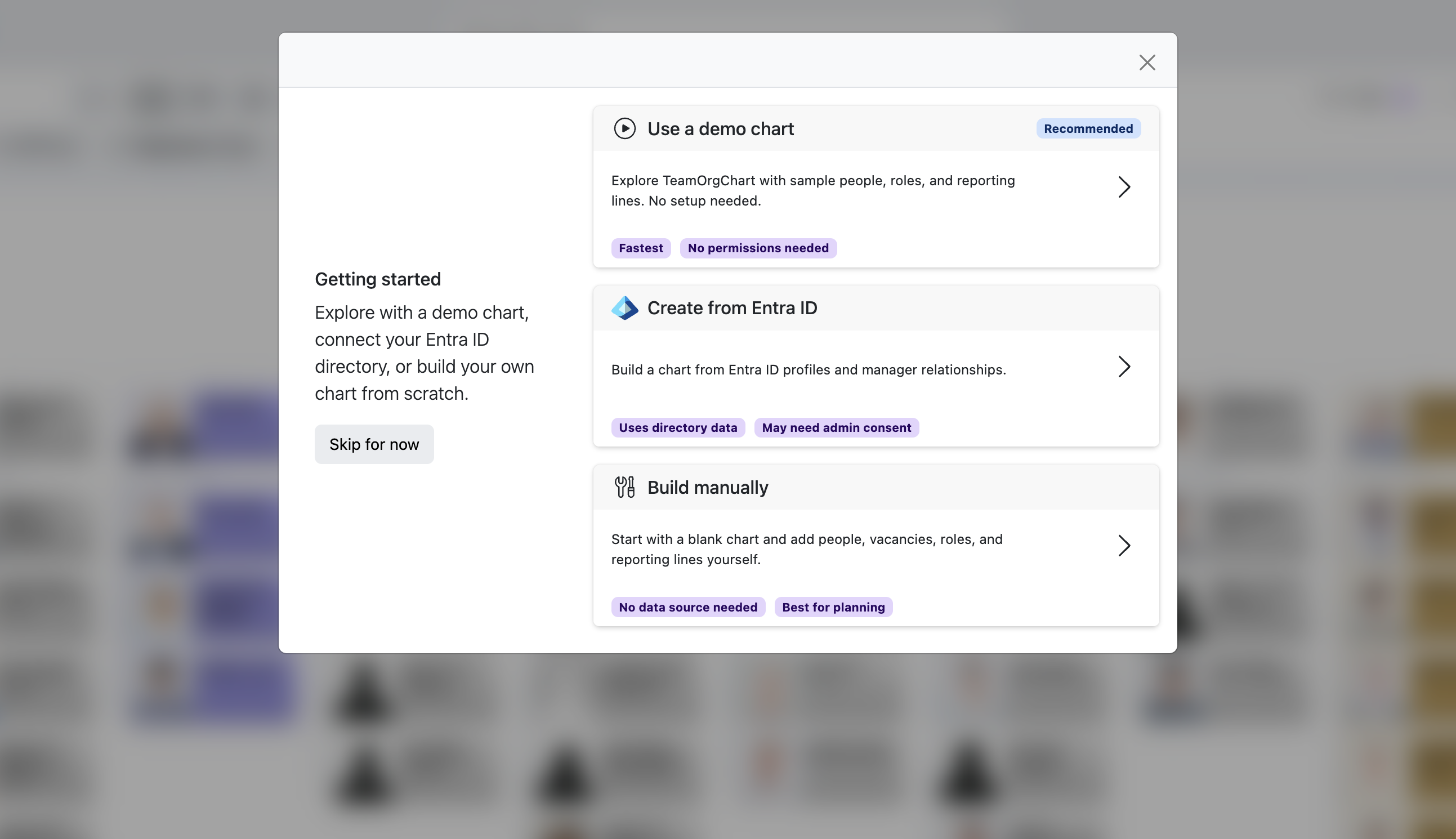
2. Choose your data source
Jump straight into a demo chart set up with sample data, or create your own using Microsoft Entra ID, Excel or the chart builder.
Choose a limited Entra ID chart to get started right away, or provide additional permissions to create a full chart with all your employee data.
-
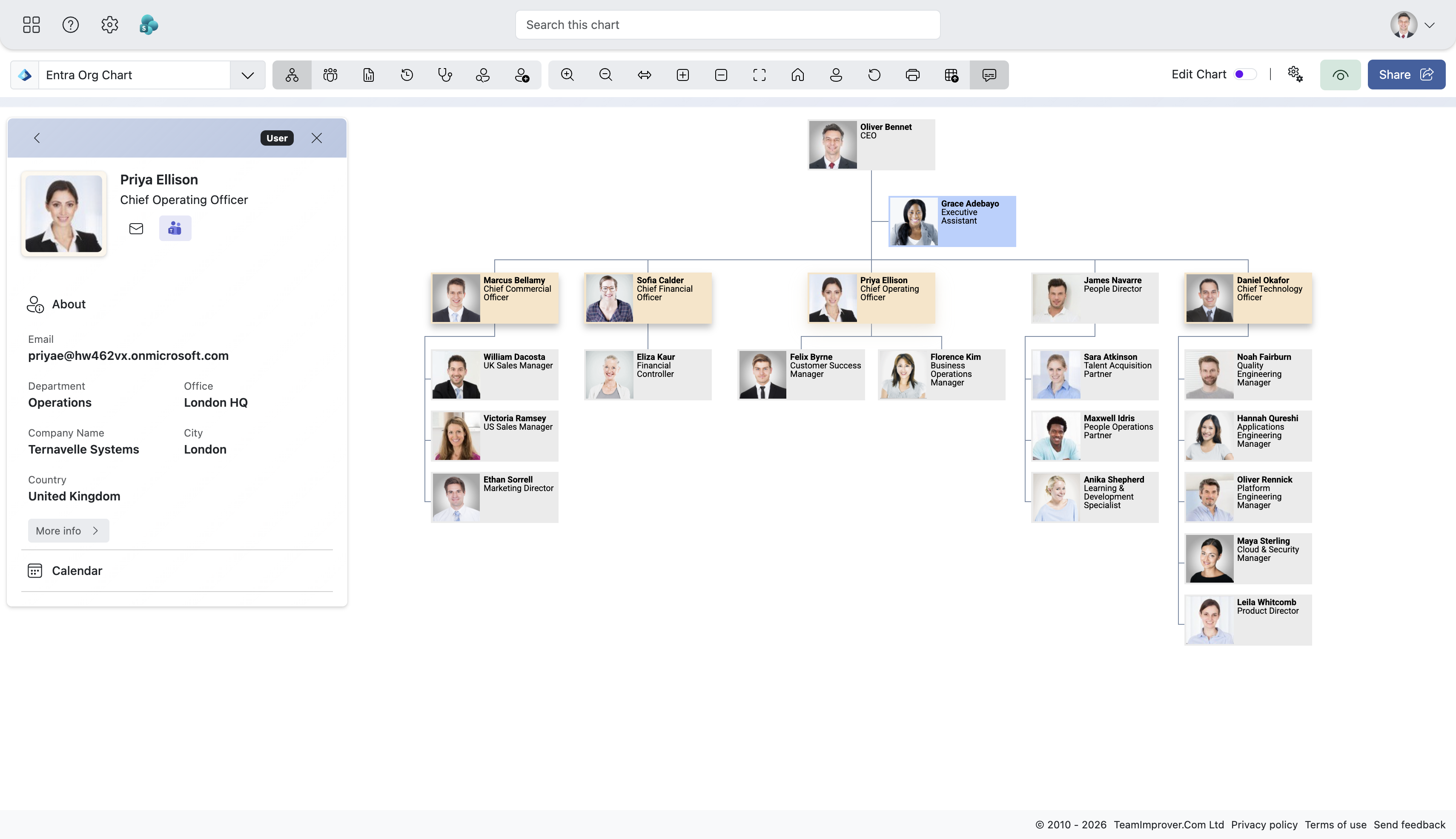
3. Explore your org chart
Try everything TeamOrgChart has to offer, navigate reporting lines, locate people, customize your chart and uncover insights into your people and structure.
When you're ready, share your charts with your colleagues in Microsoft Teams and SharePoint.
About your free trial
Do I need a credit card? Will I be charged automatically?
No. You won't be asked for payment details, and there's no commitment unless you choose to purchase a subscription.
Are all features included?
Yes. Your free trial includes all TeamOrgChart features with no limitations.
How can I learn how to use TeamOrgChart?
In-app tutorials are accessible from the Support menu and will help you learn the different tools. When viewing a chart, you can also open the help panel for guidance as you explore the interface.
Our onboarding guide will help you get started, while our user guides cover specific features in more detail. You can also find supporting video guides on YouTube.
What happens when my trial ends?
We'll email you when your trial ends, and your access to TeamOrgChart will become restricted. If you'd like to continue using TeamOrgChart, you can purchase a subscription based on your organization's size.
View pricing.What if I need more time?
If you need more time to evaluate TeamOrgChart, please get in touch and let us know your situation.
What happens to my data if I don't purchase?
If you create a chart using Entra ID, SharePoint or SQL Server, your data is loaded dynamically and is not stored by us. We only store chart data when you build a chart manually or upload an Excel spreadsheet.
You can delete your account from TeamOrgChart Account Settings, which will remove your account and chart data from our system.
Need some help?
Our onboarding guides will walk you through everything from getting started and connecting your data to styling and sharing your org chart.